Professionals who want to download Slack often hit the same wall. The download page offers several installers, and it is not obvious which one gives reliable notifications with low battery cost.
Generic software directories make this worse. They host unvetted mirror files, skip the 64-bit operating system requirement, and never explain how Slack’s free-plan retention rules affect a newly created workspace.
LEVELZA analyzes verified native desktop packages, mobile operating system requirements, notification routing, and workspace administration. LEVELZA built this from confirmed store listings and documented platform behavior, not marketing copy.
What is Slack?
Slack is a workplace communication platform that replaces long internal email chains with organized, searchable conversations. Work is grouped by project, team, or topic instead of by whoever happened to be copied on a message. That structure is why it became a standard tool for distributed teams.
The Channel-First Organizational Architecture
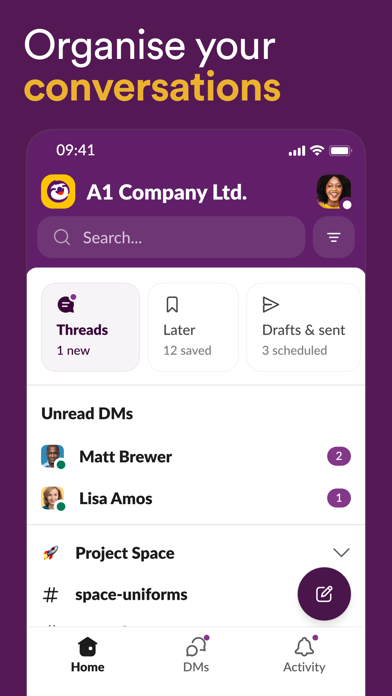
Everything in Slack lives in a channel or a direct message. Public channels such as #general are open to the whole workspace, and private channels restrict membership to invited people.
Direct messages cover one-to-one and small-group conversations. The result is a hierarchy that mirrors how organizations work, so a new employee can join the channels for their project and read the history instead of asking a colleague to forward old emails.
Slack Connect extends channels across company boundaries. A vendor, agency, or client works in a shared channel while each organization keeps its own workspace, its own members, and its own admin controls.
Each side decides who may send or accept invitations, and each side applies its own policies, such as retention settings, to the messages its members see. External participants see only the shared channel, not the rest of the host organization’s workspace. On eligible plans, admins also get audit tooling to review activity involving external connections.
Large organizations often outgrow a single workspace. Enterprise Grid connects multiple workspaces under one organization, with central administration, organization-wide policies, and channels that can be shared across the workspaces inside it.
That structure lets a company give each department or region its own space while keeping identity management, security settings, and compliance controls consistent from one place. Smaller teams never need it, but it explains why Slack appears in regulated industries.
Asynchronous Threading & Deep Search Indexing
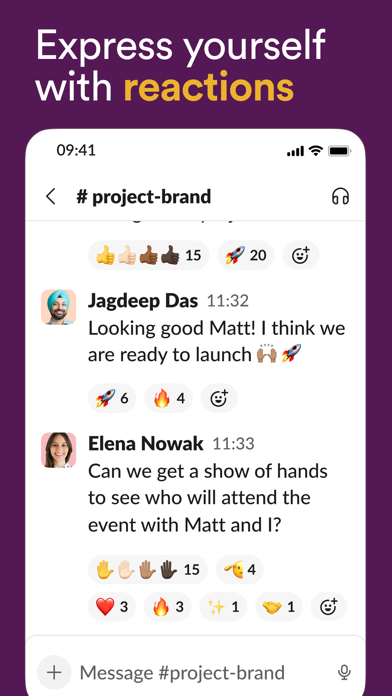
Threads are the core engineering idea in Slack. A reply to a message opens a side conversation attached to it, so a detailed discussion does not flood the main channel or notify everyone who follows it.
Search covers messages, files, and the text inside supported documents attached to conversations. Operators can be combined to narrow a query precisely. For example, in:#project-alpha from:@dana before:2026-01-01 returns only what one person wrote in one channel before a given date.
Other useful operators include has: for items such as links, pins, and reactions, and after: and during: for date ranges. The results page then offers filters for messages, files, and people, and the file view can be narrowed by document type. That makes it practical to find a specific spreadsheet or PDF without remembering its title.
The difference from email is where the search operates. Email search depends on each person’s mailbox and on what was forwarded to them. Slack search runs across the whole workspace, within the permissions of the person searching, and reads supported attachments, so a decision buried in a shared document can surface without anyone recalling who sent it.
On paid plans, that search covers the full retained history. That is what makes Slack usable as a working record and not only as a live chat tool.
How to Download Slack and Get Started
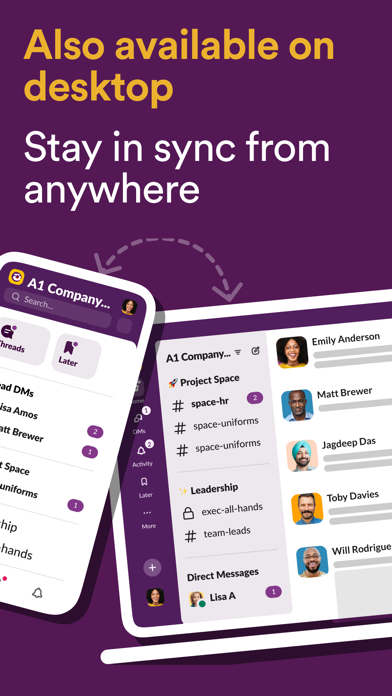
The safest way to download Slack is from the official Slack website for desktop, or from the Google Play Store and Apple App Store for mobile. The web app needs no installation and works from any modern browser.
The desktop client is worth installing for teams that use Slack all day. It provides global shortcuts, taskbar and dock badge counts, and more dependable notifications than a browser tab.
Selecting and Installing the Native Desktop Package
On Windows, choose between the standard installer from Slack’s site and the Microsoft Store version. The Store version is a managed package that updates automatically, which suits individual users who do not want to think about updates.
Organizations with managed devices have another option. IT teams can deploy Slack machine-wide with the MSI package Slack documents for administrators, which supports silent installation through domain tools and puts the app in a consistent location for every user on the device.
The trade-off is about control. Store packages update on Microsoft’s schedule and need little management, while machine-wide deployments let IT decide when versions change, which matters when a company must test updates before rolling them out.
Desktop notifications also differ from the browser’s. The installed client is a running application that hands alerts directly to the operating system’s notification center, and it keeps running from the system tray or dock. A browser tab relies on web push and background service workers, which need the browser to be running and permitted to notify, and which the browser may throttle when the tab sits idle.
On macOS, pick the build that matches your chip wherever separate downloads are offered. Apple Silicon Macs run the native build efficiently, while the Intel build on an M-series machine runs through translation and costs extra battery and memory.
On Linux, Slack publishes .deb packages for Debian and Ubuntu, .rpm packages for Fedora and related distributions, and an official Snap. Flatpak users can find Slack on Flathub, so check the listing’s publisher before installing.
The .deb and .rpm packages set up their own update repositories, so later updates arrive through the normal package manager. Slack requires a modern 64-bit operating system, and older 32-bit systems are not supported.
Creating or Joining a Workspace & Profile Hardening
Start by joining an existing workspace through your invitation email, or create a new one from the sign-in page. Company workspaces often use Single Sign-On through SAML, in which case you sign in with your organization’s identity provider instead of a Slack password.
Set a full display name and a clear profile photo, since colleagues search for people by name. Then secure the account:
- Open your profile menu and choose Profile, then open the account and security settings.
- Enable Two-Factor Authentication with an authenticator app.
- Save the backup codes offline.
- Review your signed-in devices and sign out of any you do not recognize.
Menu labels change between releases, so use the search box in Preferences if a path looks different.
Calibrating Notifications & Focus Preferences
Open Preferences > Notifications and set alerts to Direct messages, mentions & keywords instead of All new messages. This one change prevents most alert fatigue in busy workspaces.
Add a Do Not Disturb schedule that matches your working hours, so notifications stop in the evening and on weekends. You can still pause notifications manually for a focus block.
Key Features
- Contextual Message Threading: Replies open a dedicated side conversation. Team members discuss a task in detail without notifying the whole channel.
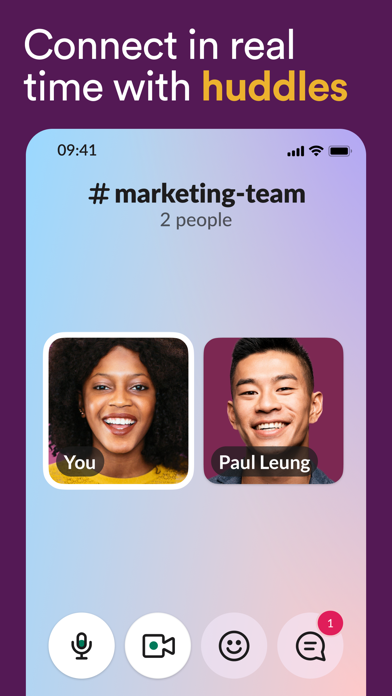
- Integrated Slack Huddles: Audio-first calls start directly inside a channel or DM. They include screen sharing and drawing tools for reviewing designs or documents.
- No-Code Workflow Builder: A graphical automation tool lets non-technical staff build multi-step processes such as onboarding welcomes, request forms, and task routing.
- Slack Connect: Shared channels link partner companies, vendors, and clients while each organization keeps its own workspace and compliance boundaries.
- Search Operators: Filters such as
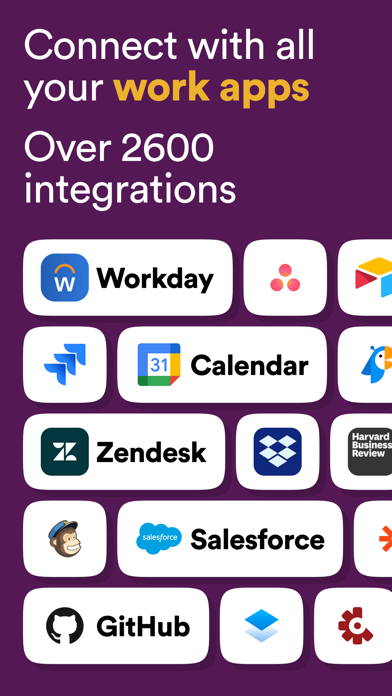
in:,from:,has:, andbefore:narrow results across messages, shared files, and supported document text. - App Directory Integration: A very large directory connects channels to business tools including Jira, Salesforce, Google Workspace, GitHub, and Asana.
Operational Best Practices & Security Safeguards
TIP — TAME NOTIFICATION LATENCY & MOBILE BATTERY DRAIN
Slack holds back mobile notifications while it thinks you are active on your desktop. If you often step away from your desk, open Preferences > Notifications and shorten the delay for sending alerts to your mobile devices when you are inactive on desktop.
Add custom keyword alerts for client names or project codes under My keywords. That surfaces urgent discussions without subscribing to noisy channel-wide mentions.
WARNING — THE 90-DAY FREE PLAN RETENTION CLIFF & COMPLIANCE RISKS
On Slack’s free plan, only the most recent 90 days of messages and files are visible. Older items are hidden from view and search, and items more than one year old are permanently deleted.
Never treat a free workspace as a permanent documentation or compliance archive. LEVELZA advises free-plan admins to keep important decisions in separate document storage such as Google Drive or Notion, or to move to a paid plan that retains history.