
Players who want to download Starbound face three recurring obstacles: choosing between Steam and the DRM-free GOG distribution, launch crashes tied to Visual C++ runtime mismatches, and performance tuning on modern multi-threaded operating systems.
Generic gaming hubs make this harder by recycling launch summaries written years ago. Those pages fail to explain 64-bit executable selection, VSync configuration, or the load-order problems that Steam Workshop mods create.
This guide verifies the modern desktop deployment pipeline: native client runtimes, directory write permissions, universe persistence, and baseline keyboard-and-mouse mapping.
LEVELZA built this from confirmed store listings and documented platform behavior, not marketing copy.
What Is Starbound? The Procedural Sci-Fi Engine
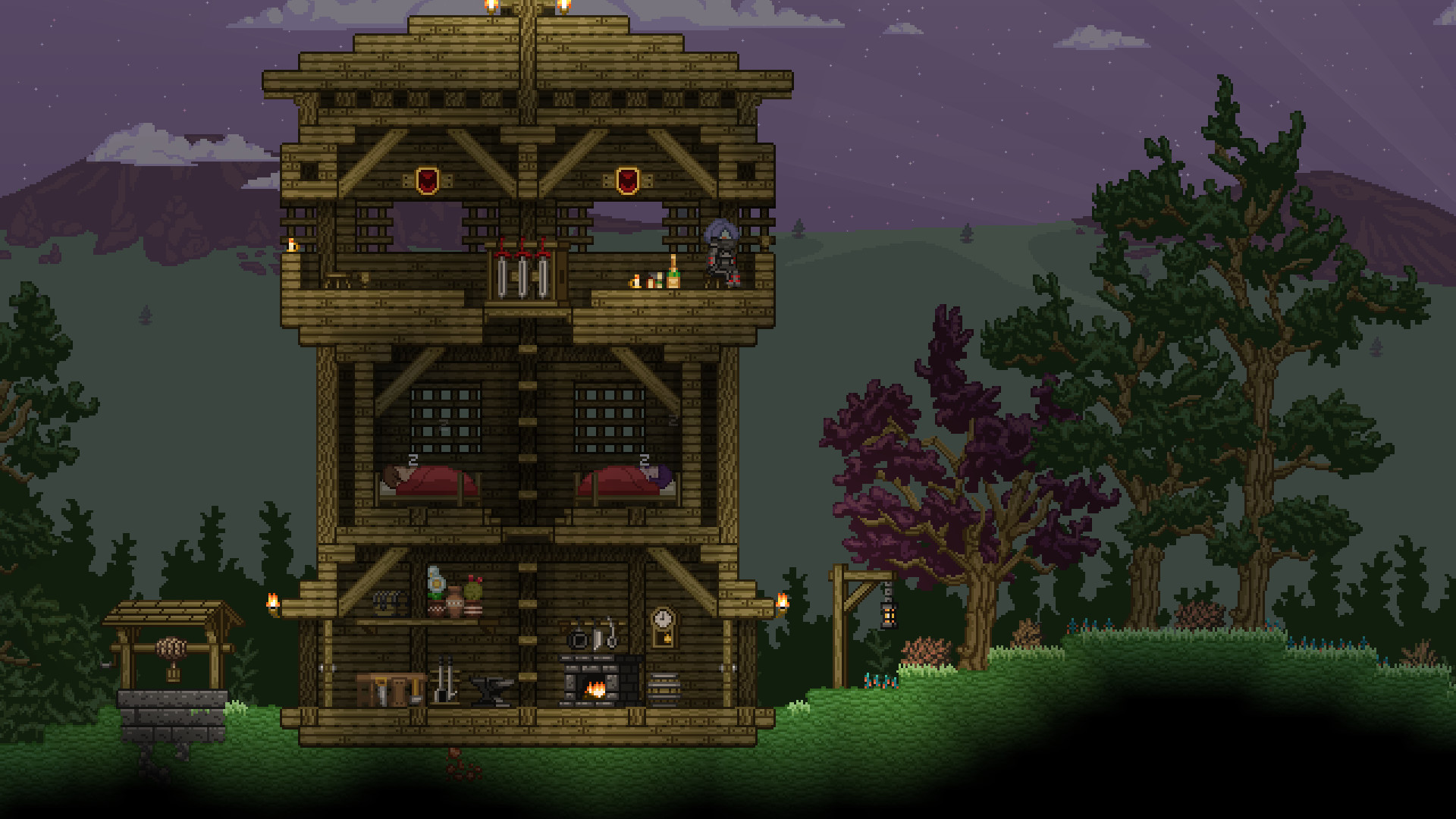
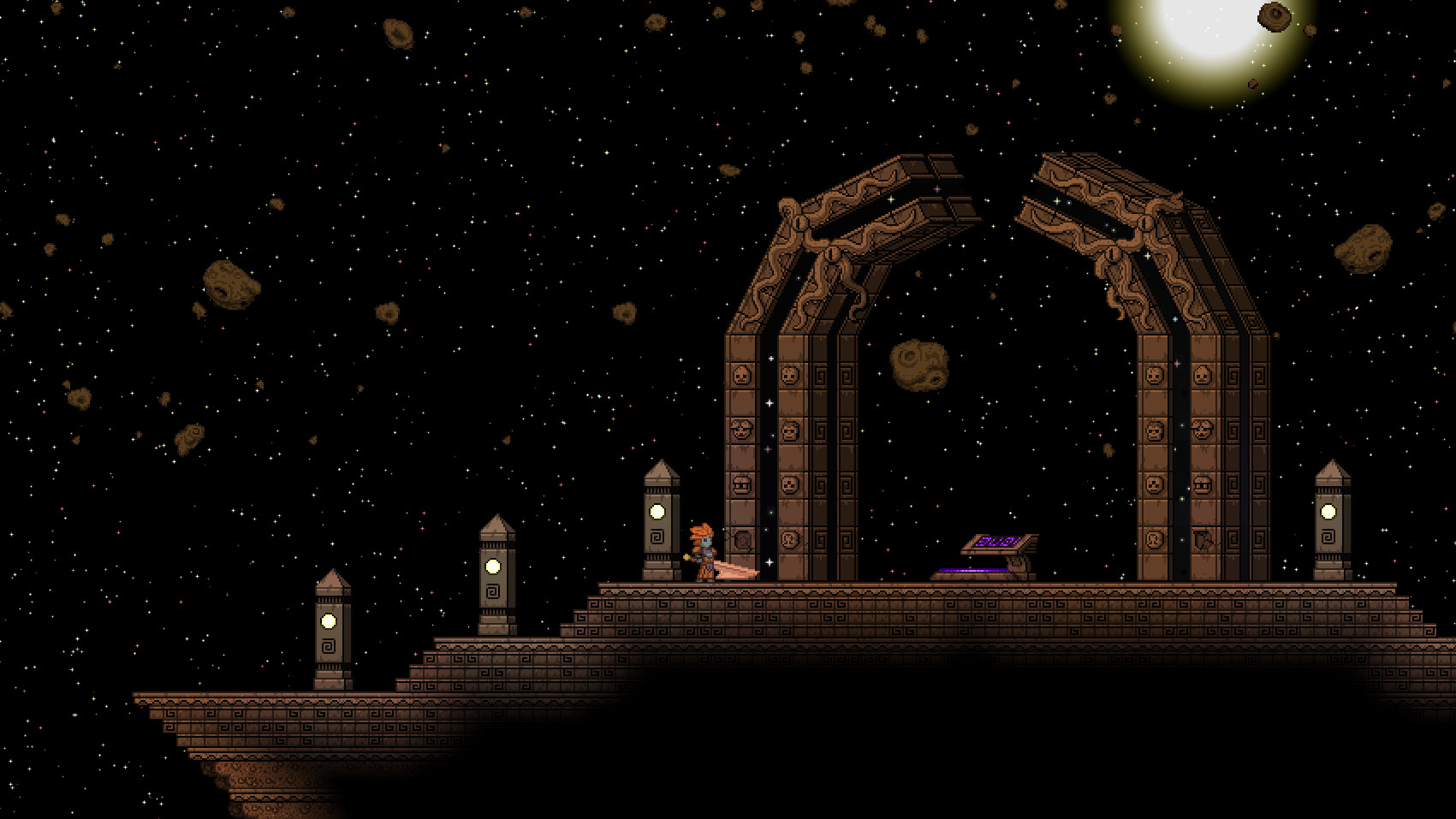
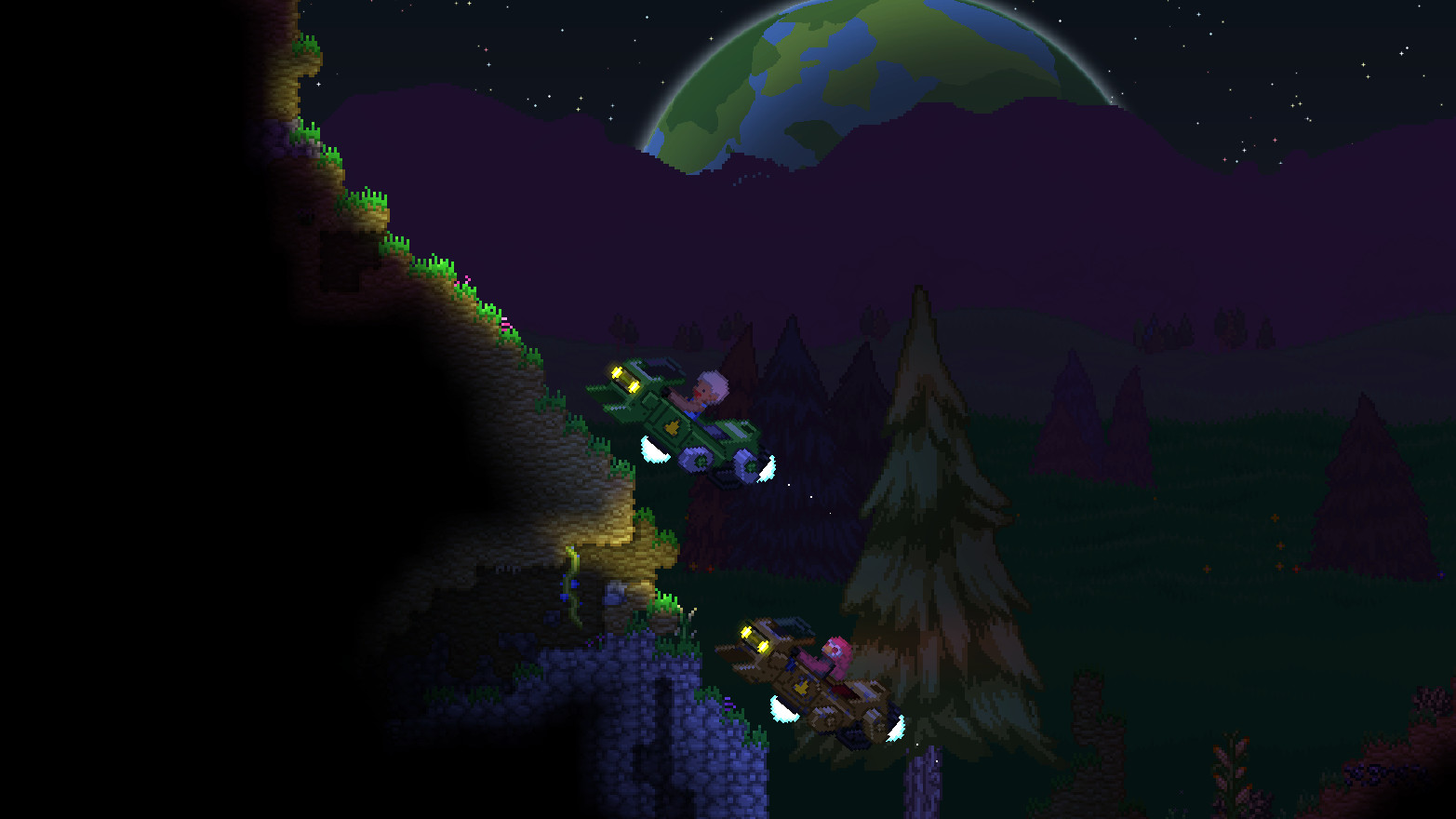
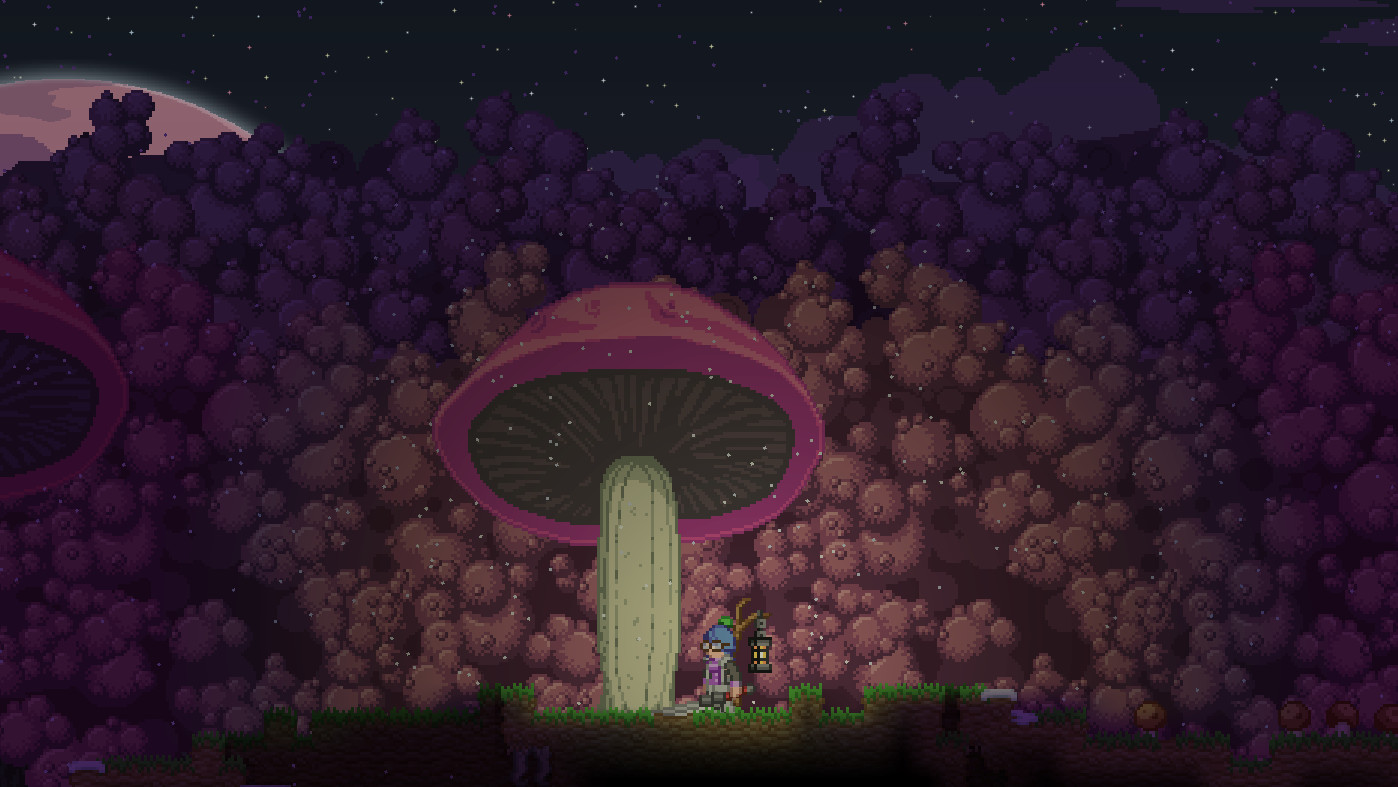
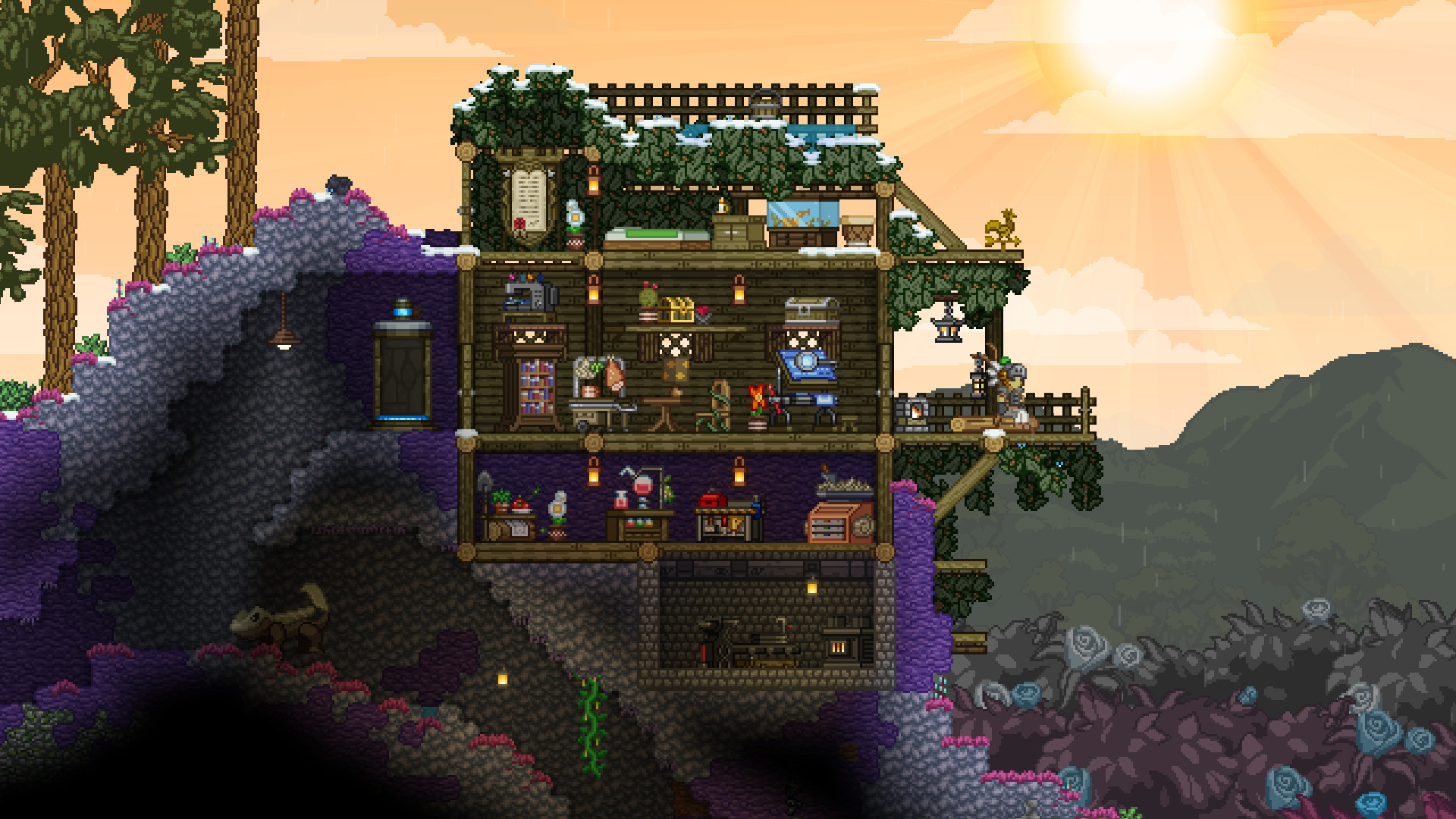
Starbound is an infinite, procedurally generated 2D science-fiction sandbox powered by a custom C++ engine. It combines survival, building, combat, and exploration on a side-scrolling tile grid, with the scale of a galaxy instead of a single bounded world.
Because the engine is written in native C++ rather than a managed runtime, its dependencies are limited to system libraries. That is why most first-run failures trace back to a missing Microsoft runtime package instead of a game-specific fault.
The engine also separates its simulation from its rendering, running physics and world-tick calculations in a dedicated loop distinct from the UI and draw-call pipeline. This decoupling is why the game can maintain consistent block physics, liquid settling, and NPC behavior even during moments when frame rate dips on lower-end hardware, since the simulation clock does not stall simply because the screen is rendering more slowly.
The Procedural Celestial Coordinate Matrix
The galaxy works as an immense numerical grid. Every star system, planet, and moon has its own unique sector coordinates, and the game generates each one deterministically from those values.
Deterministic generation has a practical benefit for groups. Two players who navigate to the same coordinates arrive at identical terrain, identical dungeon layouts, and identical environmental hazards, so a good planet can be shared and revisited.
Hazard progression scales directly with a planet’s assigned threat tier rather than with distance from the starting system alone. Gentle and Temperate worlds carry minimal environmental danger and require no special equipment, making them suitable for early resource gathering. Radioactive and Frozen tiers introduce specific survival requirements — a radiation-resistant Environmental Protection Pack or cold-resistant gear becomes mandatory, and entering without the correct EPP applies a steadily worsening debuff.
Fiery worlds sit at the top of that danger curve, combining extreme heat damage with aggressive native wildlife, and are generally reserved for players who have already built up a substantial equipment tier from the lower hazard categories.
The Dual Gameplay Loop: Open Galactic Sandbox vs. Protectorate Campaign
Starbound offers two progression structures that can run side by side. Players can treat it as a fully open-ended survival and building sandbox, or follow the structured Terrene Protectorate campaign.
That campaign sends players across diverse alien civilizations to gather artifact keys, using The Outpost as the central hub. This narrative backbone is what separates Starbound from purely aimless sandboxes, since it supplies goals, lore, and instanced story dungeons for players who want direction.
The Outpost also anchors early survival logistics through three facilities. The Ark dimensional gateway is the passage that links the opening progression to the hub, so it is the route players take back after every mission.
The 2-Stop Teleshop sells teleporters, and placing one at a base or landmark bookmarks that spot in the teleport menu. Players can then return to a resource-rich planet or a colony without flying there again.
The Ursa Miner store supplies mining gear and materials, letting players restock before descending to a harsher hazard tier. Together these hubs form a simple loop: buy a teleporter and supplies, bookmark a good planet, and return to restock, which keeps early ore and fuel runs short and predictable.
How to Download Starbound and Configure Client Setup
Step 1: Storefront Selection and Digital Licensing
Official licenses are available through two main storefronts. Steam offers Workshop mod integration and cloud saves, while GOG provides standalone, DRM-free offline installers that run without any launcher.
Console availability is limited to Xbox platforms, and no mobile port exists. Anyone seeking Starbound on a phone or tablet is looking at an unofficial or fraudulent listing.
Step 2: Desktop Installation and Runtime Framework Deployment
Deployment differs across the three desktop operating systems, and each carries its own specific first-run hurdle worth knowing in advance.
Windows requires the Microsoft Visual C++ 2015–2022 Redistributable (x64). Without it, the executable can terminate silently at launch with no error dialog. Steam normally installs this prerequisite automatically, but the GOG standalone installer may not, so downloading and running the official x64 redistributable package directly from Microsoft resolves the majority of these silent launch failures.
macOS builds run natively on modern Apple Silicon systems, and no separate translation layer needs to be configured by the player. Where macOS does intervene is Gatekeeper, the system’s code-signing check: if the downloaded binary’s signature doesn’t validate cleanly, macOS blocks the app outright on first launch rather than simply warning about it. Opening System Settings > Privacy & Security and selecting Open Anyway next to the blocked-app notice grants a one-time exception that lets the binary run normally afterward.
Linux distributions receive native 64-bit binaries through both Steam and GOG. Launching the native build directly is the recommended path, because it avoids the extra compatibility layer that would otherwise sit between the game and the graphics stack. A common stumbling block on minimal Linux installs is a missing libsdl2 audio library dependency, which can cause the game to launch with a black screen or no sound; installing libsdl2 through the distribution’s package manager before the first launch prevents this outright.
Starbound’s storage requirement is an accessible, lightweight footprint that installs quickly compared to modern 3D titles. That makes it practical on older laptops and secondary drives.
Step 3: Performance Calibration and VSync Decoupling in starbound.config
Advanced players can tune the client through starbound.config, located in the game’s storage directory. Several settings matter for responsiveness beyond the defaults.
Setting "vsync" to false removes the frame-pacing delay that many players notice as input latency on high-refresh-rate monitors. Fine-tuning "zoomLevel" adjusts how much of the world is visible at once, which changes both clarity and rendering load.
A few additional entries are worth adjusting for a smoother setup. Enabling borderless windowed mode through the relevant fullscreen resolution field avoids the alt-tab delay that true exclusive fullscreen introduces on some Windows configurations. Setting an explicit frame limiter value prevents the engine from rendering far beyond the monitor’s refresh rate, which reduces unnecessary GPU load and heat on capable hardware.
Disabling broadcast server logging by adjusting the relevant network logging flag also cuts down on unnecessary disk writes during long multiplayer sessions, which matters more on systems running a slower mechanical drive.
Close the game completely before editing the file, and keep a copy of the original. A malformed entry can prevent the client from starting, and a stored copy makes recovery a matter of seconds.
Step 4: Steam Deck and Handheld Input Mapping
Vanilla Starbound lacks native gamepad controller support. Steam Deck and other handheld PC users must therefore rely on Steam Input community profiles.
A workable layout maps the mouse cursor to a touchpad or right stick, then assigns hotbar bindings to the physical triggers and grip buttons. Aiming with a touchpad is slower than a mouse, so handheld players benefit from a profile that places the Matter Manipulator and hotbar slots within easy reach.
To build that profile, open Controller Settings > Edit Layout and set the right trackpad to Mouse so aiming stays precise. Then give the left trackpad a Radial Menu with six entries bound to keys 1 through 6, so each dual-wield hotbar slot is a single thumb press away.
Because every slot already pairs a left-hand and right-hand item, those six entries cover both weapons at once. Place R, T, Y, and N on a Touch Menu attached to a grip button or a second action layer, making the Matter Manipulator, Wire Tool, Paint Tool, and Scan Mode one tap each.
Enabling haptic feedback on both menus lets selections register without looking away from the screen, which brings handheld navigation much closer to keyboard-and-mouse speed.
Key Features of the Starbound Ecosystem
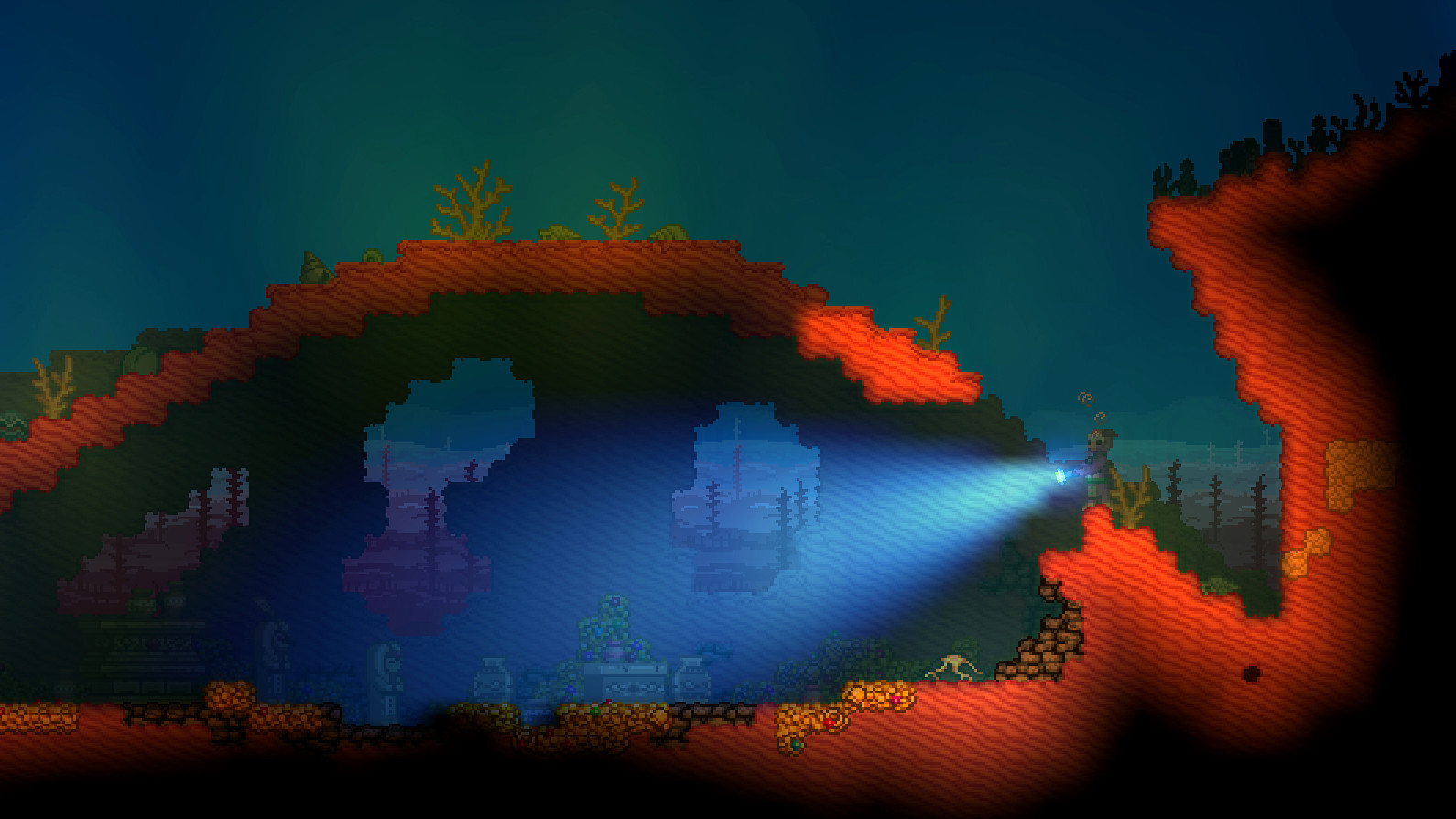
- Infinite Planetary Exploration — Travel across star systems featuring Lush, Desert, Oceanic, Radioactive, Frozen, and Volcanic planet types, each governed by atmospheric hazards that require specialized Environmental Protection Packs.
- The Universal Matter Manipulator — An upgradeable, multi-purpose tool that replaces traditional pickaxes and axes, with expandable mining beam dimensions up to 4×4 tiles, liquid collection, and long-range block manipulation.
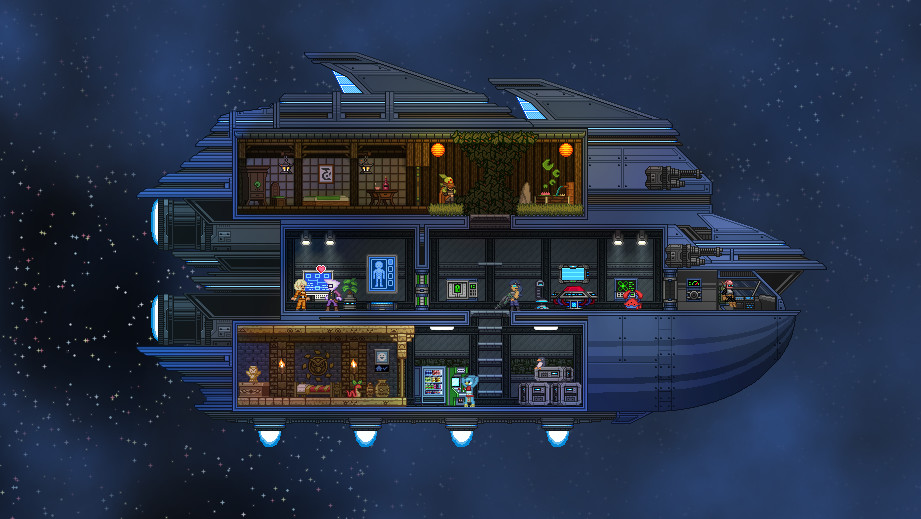
- Modular Starship Progression — A personal spaceship that serves as a mobile base of operations, growing in physical size, room capacity, and crew limits as players complete story milestones or purchase licenses.
- Dynamic Tenant Colony Economics — Colony Deeds placed in enclosed rooms with thematic furniture spawn specialized NPC tenants who pay periodic rent in pixels and gift rare equipment.
- Rich Lore and Seven Playable Races — Human, Apex, Avian, Floran, Glitch, Hylotl, and Novakid, each with unique ship aesthetics, lore codex entries, and cultural dialogue.
- Comprehensive Integrated Logic & Wiring — A dedicated wiring overlay for building automated doors, light sensors, logic gates such as AND, OR, and XOR, alarm systems, and interactive traps.
TIP — MANUAL UNIVERSE BACKUPS AND LIQUID ERCHIUS GHOST DANGERS
storage\universe folders on a regular schedule, and always before installing any mod. Those two folders hold every character and every generated world.
Mining Liquid Erchius on moons summons an invincible, phase-shifting Erchius Ghost that accelerates toward the player based on how much fuel is being carried. Use a teleporter for a fast exit, or collect the liquid from long range with the Matter Manipulator to avoid lethal contact.
WARNING — THE IRREVERSIBLE SAVE IMPACT OF FRACKIN’ UNIVERSE
Universe permanently rewrites player and universe data structures. Once a character or world has been loaded with it installed, that save cannot return to vanilla Starbound without causing fatal crash loops.
Manually back up the entire storage folder before subscribing to any large overhaul on the Steam Workshop.