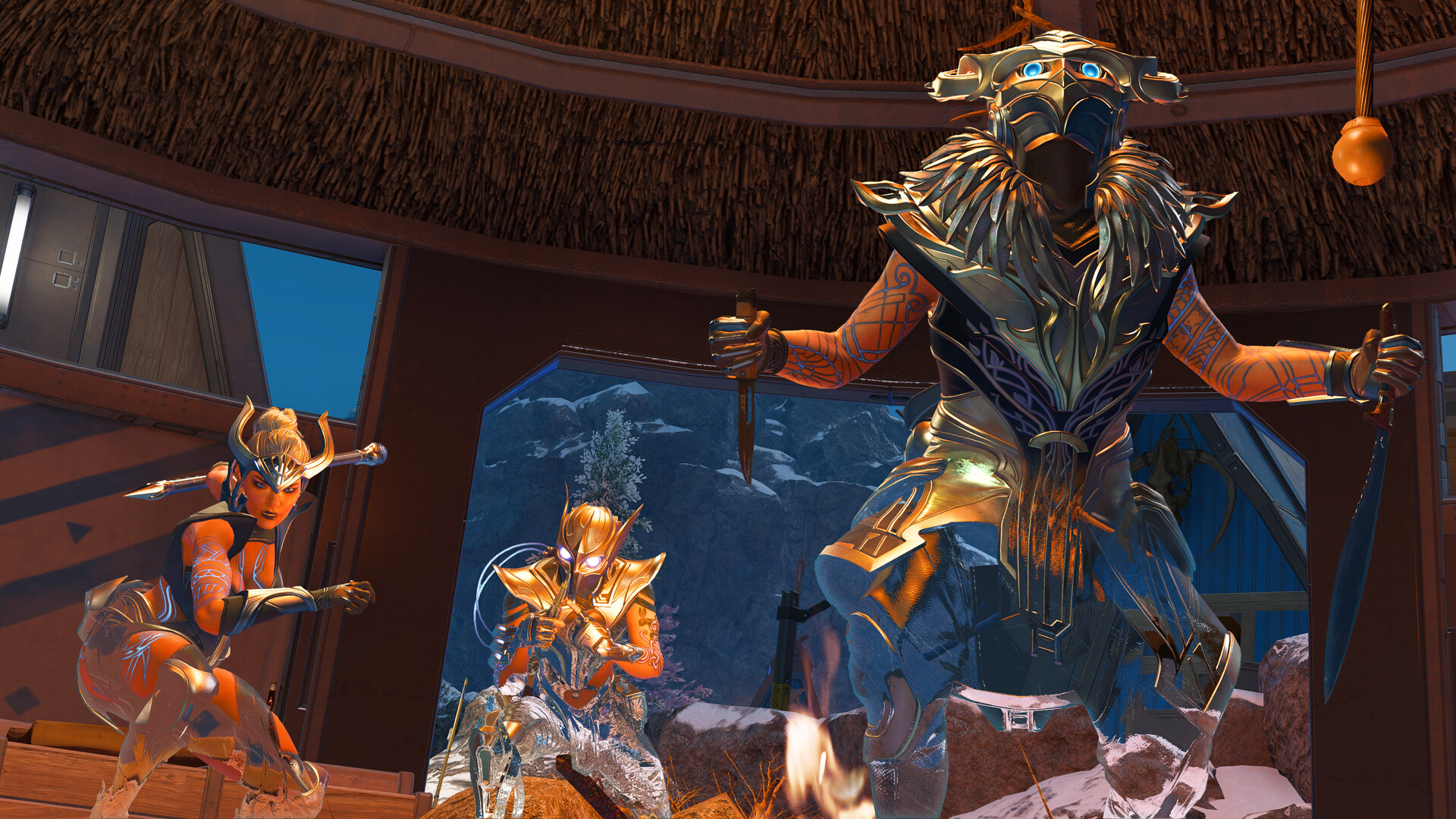
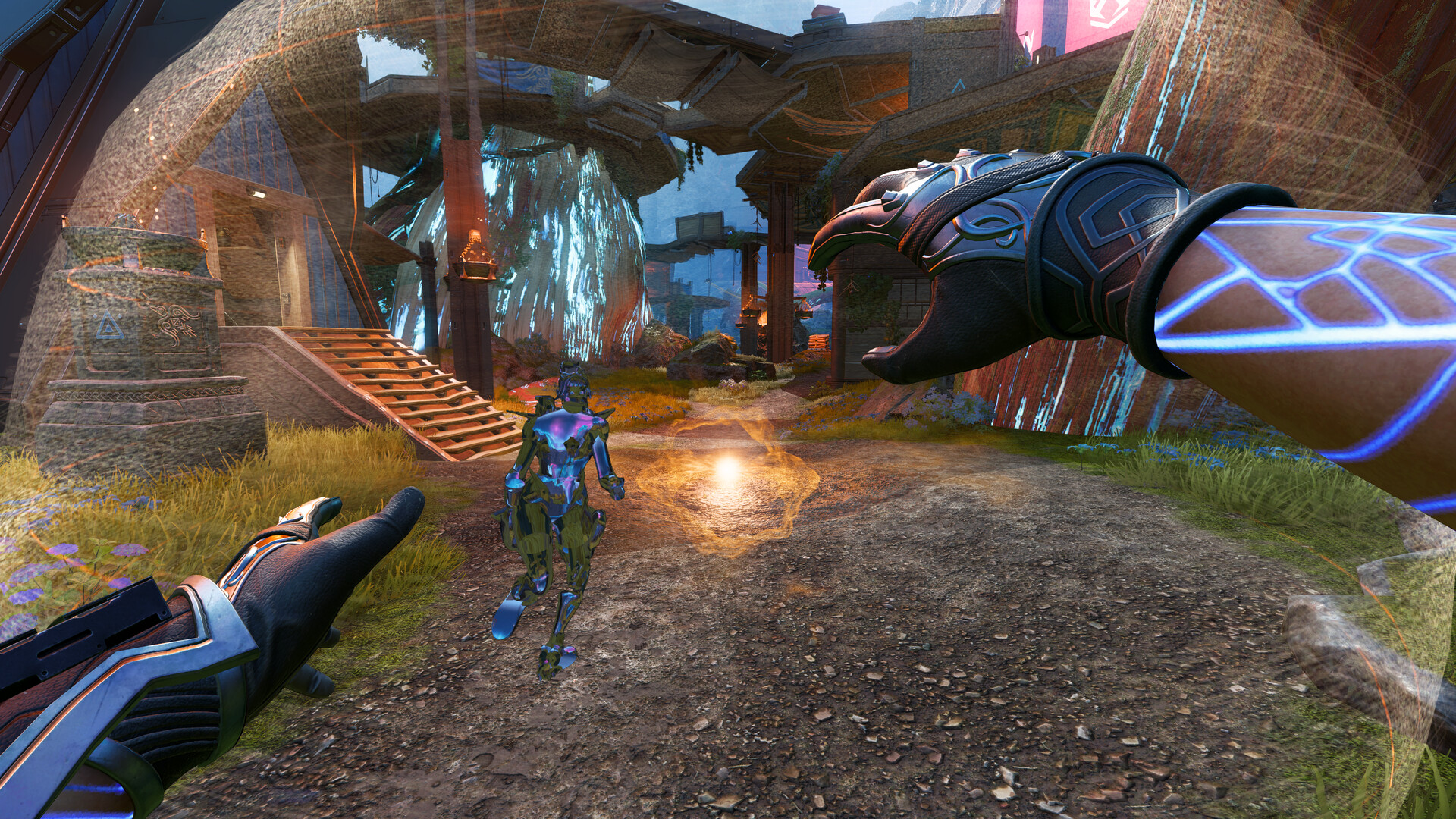


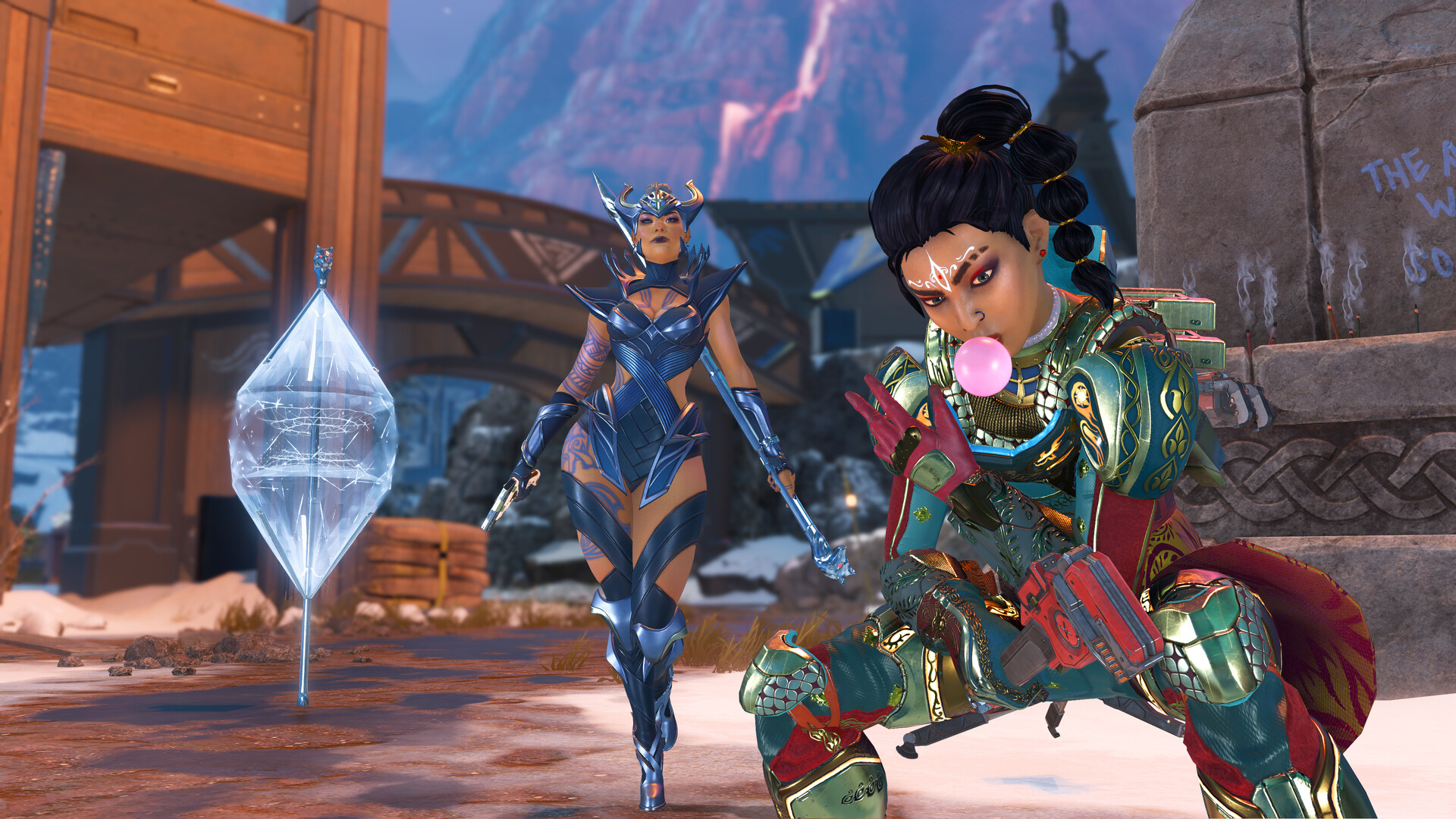
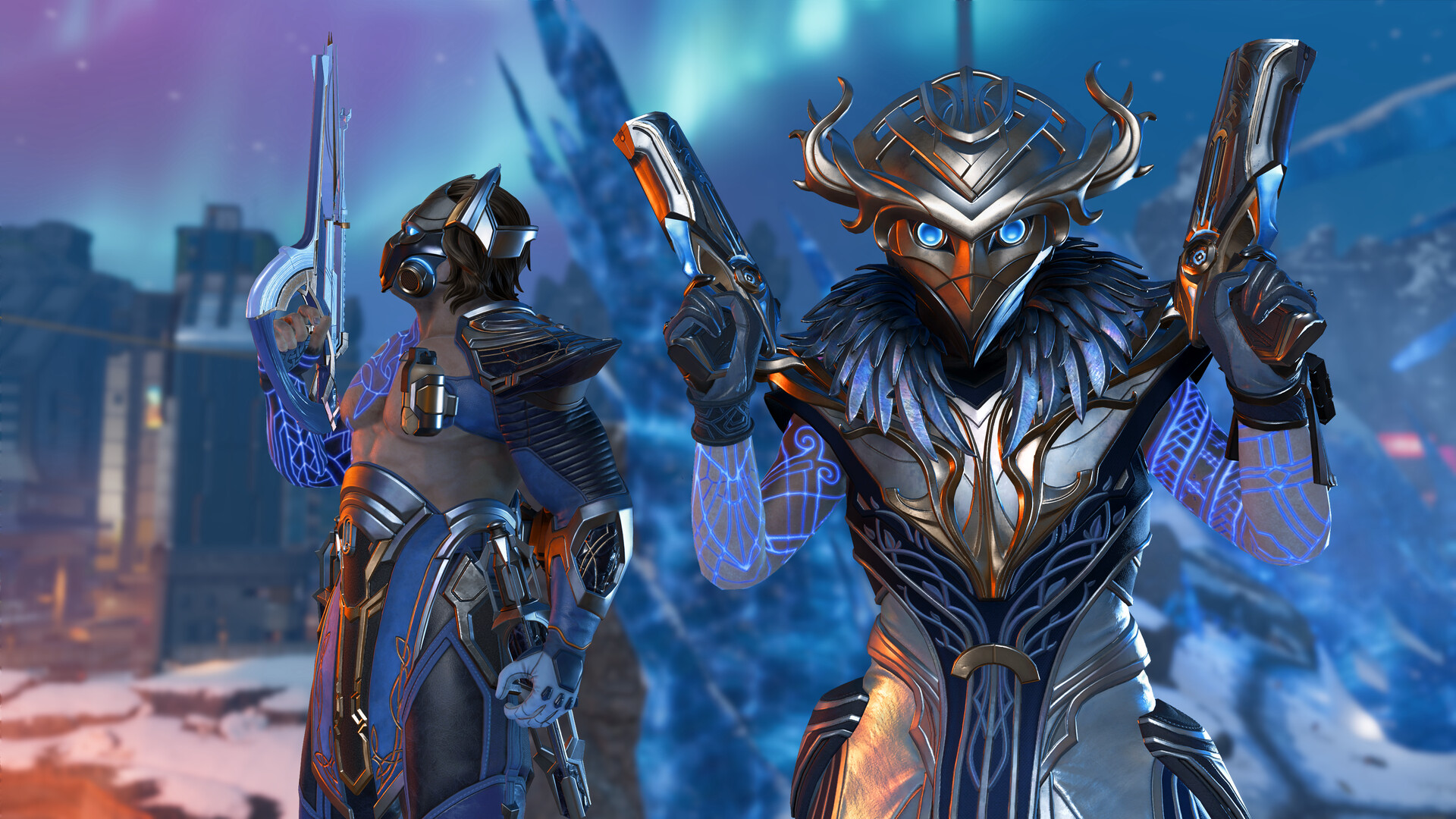
Stepping into Apex Legends means entering a battle royale that behaves very differently from a traditional military shooter. Movement carries momentum, every character brings a unique toolkit, and the squad, not the individual, is the unit of play.
That design comes with friction. New and returning players run into abrupt desktop engine timeouts such as the DXGI device hung error, and into account-linking steps that decide whether progression survives a move between PC and console.
Most competitor guides treat the game as a generic launcher click. They skip first-run configuration such as audio channel saturation and shader cache growth on disk, and many still fail to state that the standalone mobile version has been discontinued.
This hub sets out the verified technical architecture of Respawn’s flagship shooter. It maps official distribution routes across PC and consoles, the account safeguards that protect cross-progression, and the kinetic navigation binds that separate fluid movement from stalled movement.
LEVELZA built this from confirmed store listings and documented platform behavior, not marketing copy.
What is Apex Legends? Core Architecture and Hero Mechanics
Apex Legends is a free-to-play hero battle royale developed by Respawn Entertainment and published by Electronic Arts. Instead of handing every player an identical loadout, it asks them to pick a Legend, a named character with fixed abilities, and drop into a large map as part of a small squad.
The loop is familiar: loot, rotate, and survive a shrinking ring. Four systems give it its identity: class-based Legends, squad communication, an engine tuned for movement, and a unified account layer.
Legend Classes and the Dynamic Upgrade Meta
Every Legend belongs to one of five classes: Assault, Skirmisher, Recon, Controller or Support. The class defines a squad role, while each individual Legend adds a passive, a cooldown-driven tactical ability and a match-altering ultimate ability.
Class passives are utility rather than raw damage. Recon Legends, for example, can scan survey beacons to reveal the next ring location.
That turns information into a squad-wide rotation advantage. Other classes shift how a team handles resources, healing or contested positions.
A squad’s composition therefore determines what it can do before the first shot is fired. It sets how the team gathers intelligence, how it holds ground and how it escapes a bad engagement.
Armor progression adds a second layer of decision-making. Evo armor starts at a low tier and levels up as the player deals damage and completes team-oriented map interactions, advancing through the colored tiers up to Red.
Because the upgrade is earned through combat activity rather than found on the ground, armor strength depends far less on loot luck in the opening minutes. Mid-match upgrade choices for Legends build on the same idea.
A match is not a static kit but a progression curve that rewards players who engage and survive.
Squad Synergy and the Non-Verbal Ping Architecture
Apex Legends is built around small-squad combat. Abilities are tuned to be most effective when they complement teammates, and solo dominance is not what the ability design optimizes for.
A zone-denial tool protects a revive. A scouting ability feeds information to the whole team, and a mobility ability lets one player reposition for a flank that others can follow.
Coordination is supported by the context-sensitive Ping system, one of the game’s most influential design contributions. Instead of requiring voice chat, the Ping wheel and contextual pings let a player mark weapons and attachments, request ammo or healing items, flag enemy positions, call a rotation, or propose a defensive hold.
A ping on an item communicates what it is, and a ping on an enemy marks the target for the squad.
The result is a communication layer that functions across language barriers and for players who do not use microphones. That is a significant reason the game remains playable with random teammates.
The Modified Source Engine and Physics Momentum
Technically, Apex Legends descends from the Titanfall series and runs on a heavily modified version of Valve’s Source engine. The engine was tuned for fast movement, responsive hit registration through client-side prediction, and large player counts rather than slow, cover-bound combat.
The most visible consequence is momentum conservation. Velocity is not discarded when a player changes state.
Speed gained from sprinting or from sliding down a slope carries into a jump, which in turn carries into air movement. This is what makes slide-jumps, air-strafing and structural climbing possible.
The engine preserves energy across transitions. Players who learn which inputs preserve it move measurably faster and with more control than players who simply hold the sprint key.
The controls analysis later in this guide breaks down the specific input patterns that exploit this behavior.
EA Account Architecture and Unified Cross-Progression
Progression in Apex Legends is anchored to an EA Account rather than to a single storefront. When a player links a Steam, PlayStation Network, Xbox or Nintendo identity to the same EA Account, cosmetic inventories, weapon skins, badges and account level resolve to one cloud profile.
The practical advantage is that a player can move between supported platforms and find the same collection waiting.
The structure also explains why the linking sequence matters. Each platform identity is a separate login, and the EA Account is the common record that ties them together.
If a platform identity is not attached to the intended EA Account, progression can end up in a separate profile that is difficult to merge later. The next section covers the order of operations that avoids this.
How to Get Started with Apex Legends
Getting into a first match is straightforward. A few early decisions about the client, the account and the display settings determine how smooth the first hours feel.
Platform Client Selection and Download Paths
Windows PC. The game is distributed through Steam, the EA App and the Epic Games Store. All PC routes deliver the same game; the difference is the launcher and the platform identity attached to the install.
Steam is widely preferred for background updating and for the community controller overlays it provides. The EA App route ties directly to the EA Account, which simplifies linking.
PlayStation 4 and PlayStation 5. The game is acquired digitally through the PlayStation Store. PlayStation 5 owners receive a native client built for the newer hardware.
Xbox One and Xbox Series X|S. Installation is through the Microsoft Xbox Store. Xbox Series X|S owners benefit from the native client and its higher refresh-rate support.
Nintendo Switch. The game is available as a digital download through the Nintendo eShop and plays in both handheld and docked modes.
Mobile. Apex Legends Mobile, the standalone mobile release, was officially shut down in 2023. Any current standalone mobile APK that claims to be Apex Legends Mobile is not legitimate.
Mobile play today is only possible by streaming the desktop version through a cloud gaming service such as GeForce NOW in a browser.
macOS. There is no native macOS build. As with mobile, access requires cloud streaming.
EA Account Linking: Safeguarding Player Progression
The correct sequence is to create and verify a primary EA Account first, before launching the game on any console storefront or PC launcher. Then link each platform identity, whether a PSN ID, an Xbox Gamertag or a Steam ID, to that single EA email address.
Linking everything to one primary account is what prevents orphaned profile fragments. A player who launches on console first and creates a second EA Account by default, then does the same on PC, ends up with two partial histories.
Choosing one primary email at the start keeps skins, badges and level in one place. It also avoids accidental overwrites when a new device is added.
First-Run Calibration: Display and Audio Settings
Field of view. The default field of view is narrow for a game built around fast, multi-directional movement. Open Settings > Video and raise it toward a competitive range of roughly 90 to 104 degrees.
A wider view reveals more of the periphery and reduces the blind spots that appear when sprinting past corners. The trade-off is that distant targets appear slightly smaller.
Console high-refresh mode. Players on PlayStation 5 and Xbox Series X|S should enable the Performance Mode toggle in video settings to engage 120 Hz output on displays that support it. Higher refresh rates reduce input latency and make tracking moving targets noticeably smoother.
Audio configuration. Set Windows or console audio output to standard stereo. Virtualized 7.1 spatial surround processing can compress or clip channels, which tends to mask close-range enemy footsteps.
Plain stereo preserves left-right positioning more reliably in this game.
Essential Features of the Modern Apex Legends Client
- Fluid Momentum Traversal. Physics-driven momentum conservation lets players chain tactical slides, slope acceleration, wall-bounces and zipline use into continuous movement rather than isolated actions.
- Class-Based Tactical Synergy. A roster of Legends divided into five operational classes, each with distinct passive traits, cooldown-driven tactical abilities and match-altering ultimate abilities.
- Dynamic In-Match Evo Leveling. Armor evolution and upgrade choices are driven by combat damage and team-oriented map interactions, which reduces the effect of random armor drops in the early game.
- Context-Aware Smart Ping System. A non-verbal communication wheel that supports instant squad callouts for weapons, attachments, ammo requests, enemy tracks and retreat paths.
- Unified Master Account Cross-Progression. Progression is tied to the EA Account, so cosmetic lockers, stats and seasonal Battle Pass tiers follow the player across PC and console ecosystems.
- Native 120 Hz Console Performance. Current-generation consoles (PS5 and Xbox Series X|S) offer high-refresh-rate rendering that lowers input latency in high-stakes firefights.
Critical Configuration and Account Safety Advisories
LEVELZA Audio and Field of View Advisory
Immediately after the first launch, open Settings > Audio and set the master Windows or console sound format to uncompressed stereo rather than virtualized 7.1 surround. Multichannel spatial virtualization can cause channel clipping that drops close-range footstep audio.
That is the single most useful cue in an unexpected fight.
Then raise the field of view from the default to at least 90 in the Video settings. A wider view improves spatial tracking during high-velocity firefights and exposes enemies approaching from the side.
Account Unlinking and Counterfeit Mobile Software Warning
Do not unlink a PlayStation Network, Xbox or Steam account from an EA Account in order to change emails or move skins. Unlinking an active platform account can sever its connection to cloud progression.
Purchased cosmetics, heirlooms and ranked badges may not be recoverable. Resolve account problems through official EA support instead.
Do not download third-party .apk files claiming to be Apex Legends Mobile. The official mobile service was shut down in 2023.
Any package presented as the game today is not an official release and should be treated as a malware or phishing risk.